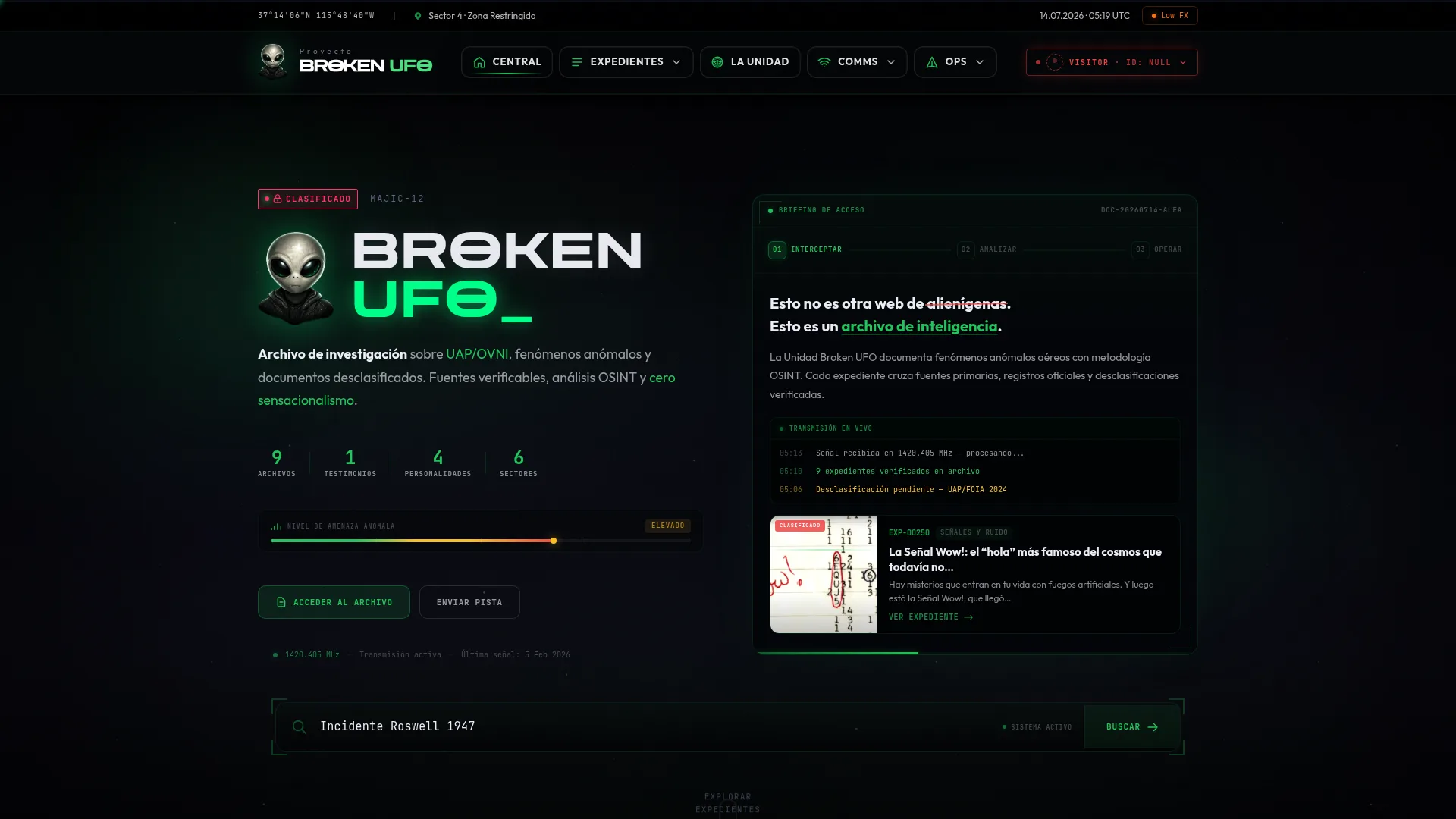
A portfolio stakes its credibility on the images. Desktop mockups floating in 3D look nice but prove nothing. We wanted to show the sites actually working, so we recorded them.
The idea
For every case study there's a browser frame that plays a real video of the site scrolling on its own. It's not a static screenshot with a CSS trick: it's the site rendered and recorded, with its real typography, animations and content.
The pipeline
We use Playwright with headless Chromium. The flow per site: open the page, wait for everything to load, do a smooth, scripted scroll from top to bottom while recording, and save the video. Then we transcode to a lightweight WebM (VP8) so it's small and loads instantly.
const ctx = await browser.newContext({
  viewport: { width: 1920, height: 1080 },
  recordVideo: { dir: 'out/', size: { width: 1920, height: 1080 } },
});
const page = await ctx.newPage();
await page.goto(url, { waitUntil: 'load' });
// cerrar el banner de cookies para que no tape la web
await dismissCookies(page);
await smoothScrollToBottom(page, 14_000); // 14 s de recorrido
await ctx.close(); // Playwright vuelca el vídeo al cerrar1) Record at 1920×1080: below that, responsive sites collapse to their mobile version and don't shine. 2) Close the cookie banner before recording, or half your video ends up with an overlay covering the content.
What we learned
- The scroll has to use easing, not jumps: a linear run feels robotic.
- Sites with tons of JS (gaming portals, for example) can take down the headless browser; a timeout and a plan B are a good idea.
- A poster (first frame) as a fallback image keeps the frame from showing up black while the video loads.
The result: a portfolio where every project is demonstrated instead of described. And a reusable script we re-run every time a client updates their site.